

Learn to Love Lightroom
Learn how to organise, edit and transform your photos with a simple, practical Lightroom workflow.


4+ HOURS of video tuition
Self-paced learning
Lifetime access

NZD $99 ($199)
Is this course for you?
This course is designed for photographers who want to feel more confident using Lightroom, understand what the editing tools actually do, and develop a simple workflow for turning their RAW files into polished, professional images.

YOU'RE OFTEN NOT SURE WHERE TO START
You open Lightroom and see a range of tools and sliders, but you're not sure what to adjust, when to use each tool or where to begin.
YOU WANT TO IMPROVE YOUR EDITING
You want to move beyond basic adjustments and learn how to use Lightroom's editing tools and masks to bring out the best in your images.
YOU WANT A SIMPLE, REPEATABLE WORKFLOW
You want an easy-to-follow editing process you can use consistently, rather than adjusting sliders at random hoping for the best.

What you'll learn
A practical, step-by-step approach to help you organise, edit and finish your photos with confidence.
ORGANISE
Learn how to import, rate and catalogue your images so they're easier to manage and find.

ADJUST
Understand Lightroom's essential editing tools and how to use them to improve your images.

COLOUR
Learn how to work with colour & tone for impact, but create natural-looking results.

MASK
Use powerful masking tools to make targeted adjustments exactly where they are needed.

ENHANCE
Discover how cropping, removal tools and Photoshop can help with more challenging edits.

FINISH
Learn how to export your images for sharing and printing, and work across desktop and mobile.

Learn from an experienced photographer & educator
I'm Meghan Maloney, an award-winning New Zealand landscape photographer, Sony Digital Imaging Ambassador and photography educator. I've spent years developing and refining my own Lightroom workflow while processing images photographed throughout New Zealand and around the world.
My courses focus on practical techniques you can actually use in your own photography - helping you understand not just which tools to use, but why and when to use them.
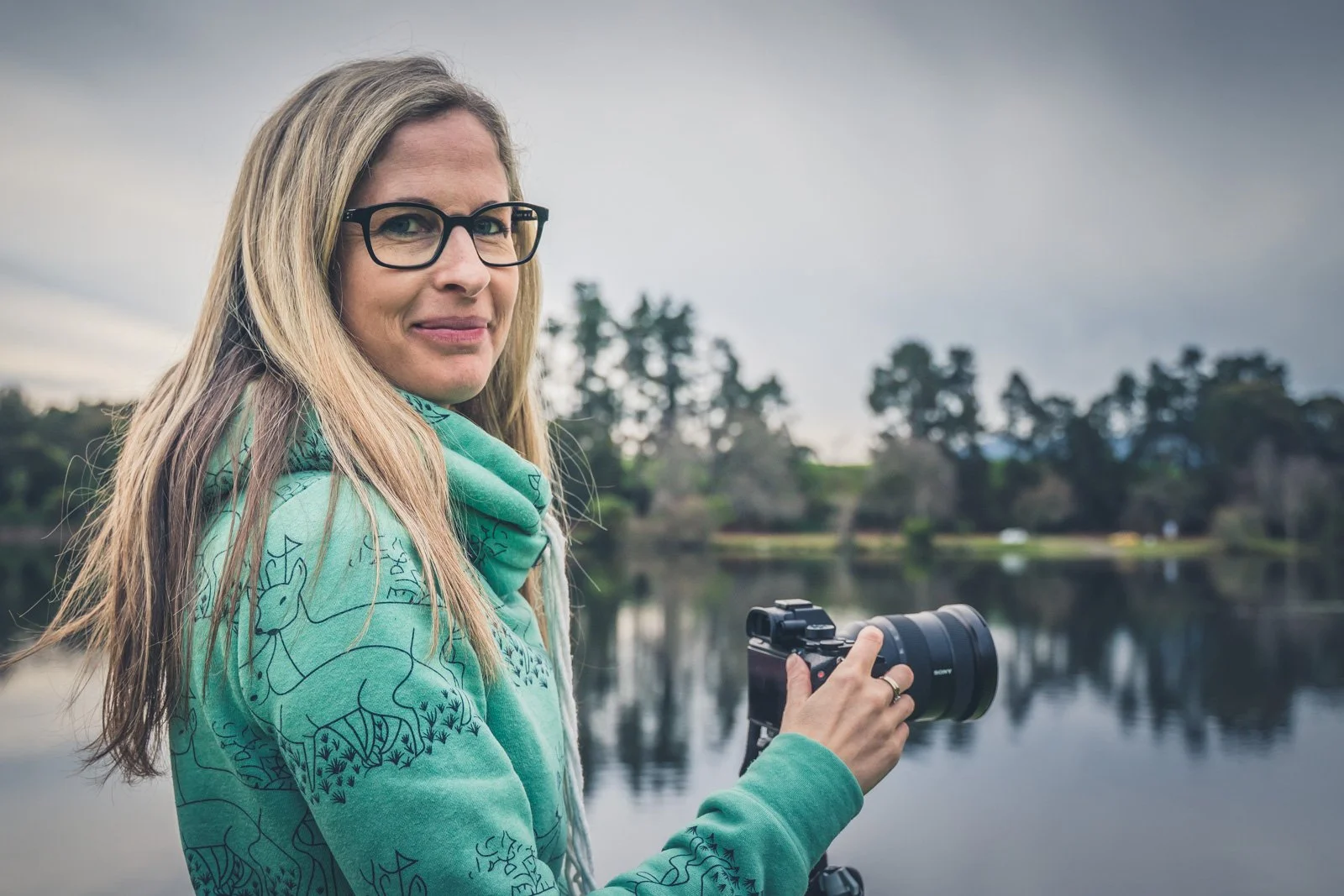

AWARD-WINNING PHOTOGRAPHER

SONY DIGITAL IMAGING AMBASSADOR
EXPERIENCED PHOTOGRAPHY EDUCATOR

Course Curriculum
-
Understanding Lightroom versions and lifecycle management
Importing & organising your images
Rating & cataloguing your library
-
Using The Basic panel
Achieving colour adjustments in multiple ways
Lens corrections
Transform & calibrate
Masking, cropping & remove tools
Create efficiencies - history, snapshots, virtual copies
-
When to use Photoshop
Editing Panoramas
Editing with HDR (exposure bracketed images)
Using Lightroom Mobile
-
Three technical edits
General editing tips
Best practice exporting techniques
-
Better masking tools
Enhance Feature
Hidden features

“I've done several online courses with Meghan & enjoyed them immensely. It has been wonderful to do this at my own pace but have Meghan's full support in the background. Meghan has the skill of using everyday language to break down the technical barriers. I loved the practical sessions on Lightroom and feel like I have already made strides ahead.”
Vanessa, Timaru
Course FAQs
-
After purchasing, you'll receive an email from me with everything you need to access your course online. You can then log in and work through the lessons whenever it suits you.
-
You’ll have lifetime access to the course, so there’s no deadline to complete it. You can work through the lessons at your own pace and return to them whenever you’d like a refresher.
-
This course is suitable for photographers who are new to Lightroom as well as those who already use it but want to understand the program better and develop a more confident, consistent editing workflow. I take you through the process step by step, so you don't need to be an experienced editor.
-
You can access the course on a computer, tablet or phone, provided you have an internet connection. Because this is an editing course, I recommend watching on a larger screen where possible so you can clearly see the tools, settings and adjustments being demonstrated.
-
I demonstrate my editing using Adobe Lightroom Classic which is the desktop version. You can still use Lightroom CC (cloud version) but the names and positions of the tools will look different.
Over time, the layout and individual tools may change as Adobe updates the software, but the core editing principles and techniques covered in the course still remain relevant.
-
No. The majority of the course focuses on Lightroom. I do demonstrate how Lightroom and Photoshop can work together for some more complex edits, but you can choose at a later date whether you want to add Photoshop to your workflow based on your needs.

Ready to get more from your photos?
Learn how to use Lightroom's editing tools with confidence and develop a clear, step-by-step workflow for turning your RAW files into powerful, professional-quality images.
NZD $99 ($199)
Lifetime access · Self-paced learning · Learn from anywhere
Copyright Meghan Maloney Photography 2026