

Improve your images with Removal Tools
Learn how to remove unwanted objects and distractions using Lightroom and Photoshop, with practical techniques for cleaner, stronger images.
2 HOURS of video tuition

Self-paced learning

Lifetime access

NZD $49 ($99)

Is this course for you?
You’ve captured a photo you really like, but something in the frame is letting it down. Maybe it’s a person, sign, branch or other unavoidable distraction, and you’d like to master the tools to remove it cleanly and confidently.
YOU HAVE DISTRACTIONS YOU CAN'T AVOID
You've captured a great image, but unwanted distractions are taking attention away from the scene.
YOU'RE NOT SURE WHICH REMOVAL TOOL TO USE
Lightroom and Photoshop offer multiple tools - and knowing which one will give you the best result isn't always obvious.
YOU WANT NATURAL-LOOKING RESULTS
You want to remove distractions cleanly and confidently without leaving obvious edits or making your image look too processed.

What you'll learn
Learn how to use the right removal tools in Lightroom and Photoshop to achieve clean, natural-looking results.

ASSESS
Learn to identify distractions and decide what you can fix in the field and what is better handled in post-processing.

LIGHTROOM
Learn when and how to use Remove, Heal, Clone and Generative AI - and how combining tools can produce better results.
PHOTOSHOP
Understand when Photoshop's removal tools can give you greater control over more complex edits.

SELECTION
Learn how selection tools can dramatically improve removal results and the tools they’re designed to work with.

REFINE
Learn how to use a combination of tools and techniques to refine more challenging edits.

REIMAGINE
Use new techniques to approach difficult scenes differently and revisit older photos with fresh eyes.

Learn from an experienced photographer & educator
I'm Meghan Maloney, an award-winning New Zealand landscape photographer, Sony Digital Imaging Ambassador and photography educator. I've spent years photographing landscapes across New Zealand and around the world, and I bring that real-world experience into every lesson I teach.
My courses focus on practical techniques you can actually use in the field and at home - helping you understand not just what to do, but why you're doing it.
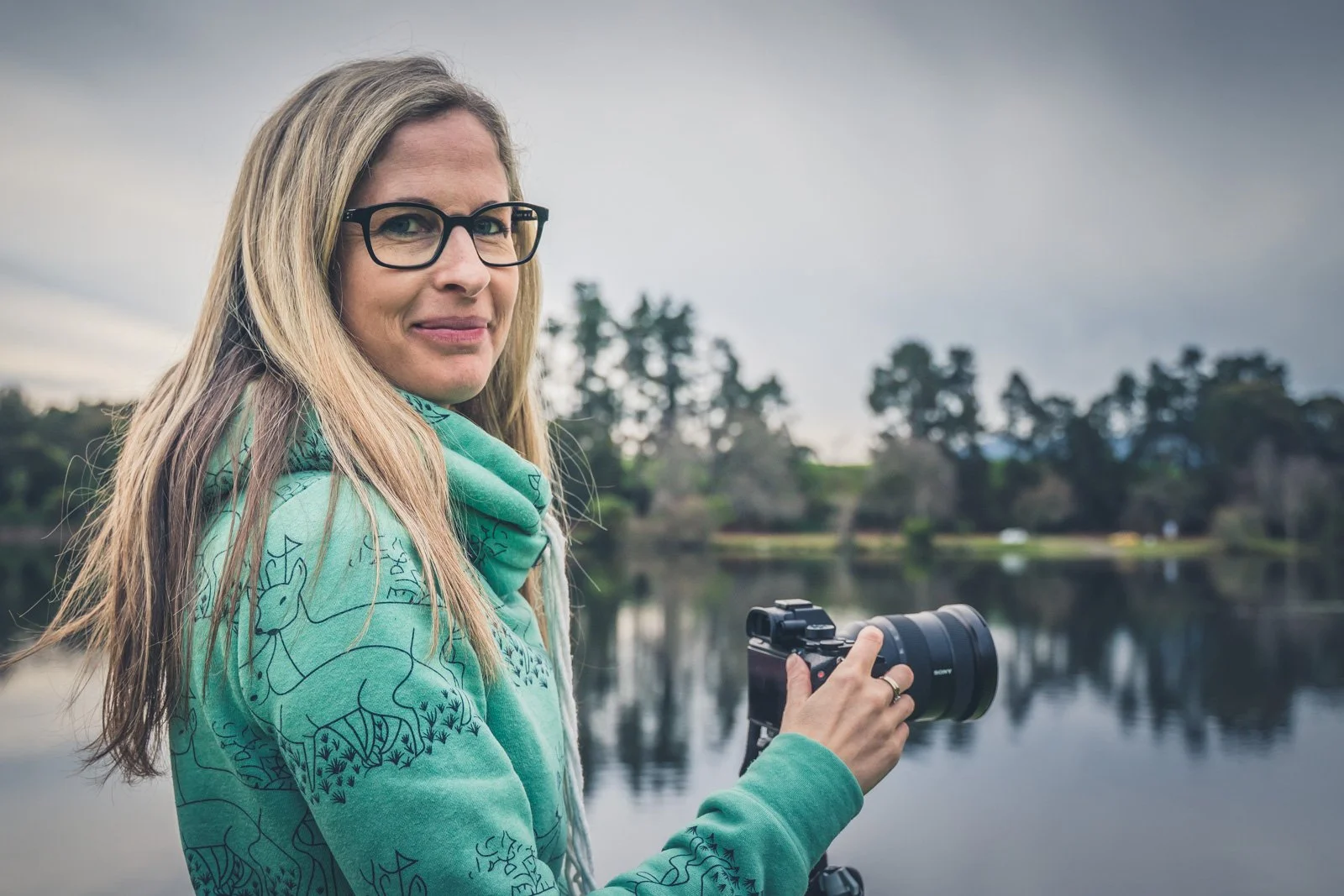

AWARD-WINNING PHOTOGRAPHER

SONY DIGITAL IMAGING AMBASSADOR
EXPERIENCED PHOTOGRAPHY EDUCATOR

Course Curriculum
-
Assessing the scene before you shoot
Using your phone to help frame
Using the viewfinder rather than the screen
Removing distractions in the field where practical
Taking time to evaluate the scene
Understanding when you can't solve the problem in-camera
Focal-length and viewpoint limitations
-
Lightroom vs Photoshop
Remove, Heal and Clone
Generative AI vs Object Aware
Choosing the right removal tool
Combining tools for better results
Working with different types of distractions
Useful Lightroom shortcuts
-
Spot Healing vs Remove
Patch Tool
Content-Aware Fill
Healing Brush
Clone Stamp
Generative Fill
Working non-destructively with layers
Refining difficult removals
Useful Photoshop shortcuts
-
Lasso tools vs Rectangular Marquee
Quick & Object Selection
Magic Wand and colour range
Combining selections with Generative Fill
Combining selections with Content-Aware Fill
Choosing the right selection for the job
-
Generative AI vs traditional removal tools
AI options within Photoshop's Tools
Understanding AI limitations
How far is too far?
Photography competition considerations
Keeping edits appropriate for their intended use
-
Cropping for stronger composition
Cropping beyond your longest focal length
Understanding the resolution trade-off
Crop-sensor mode vs cropping afterwards
Cropping distractions in-camera vs post-processing
Approaching scenes with fresh vision
Revisiting older images with new eyes

“Meghan is very knowledgeable and delivers the material in a very accessible way.”
Anne Simpson, Improve Your Images With Removal Tools
Course FAQs
-
After purchasing, you'll receive an email from me with everything you need to access your course online. You can then log in and work through the lessons whenever it suits you.
-
You’ll have lifetime access to the course, so there’s no deadline to complete it. You can work through the lessons at your own pace and return to them whenever you’d like a refresher.
-
This course is ideal for photographers who already use Lightroom and/or Photoshop and want to become more confident removing unwanted objects and distractions from their images.
-
The course covers tools in both programs. Lightroom is ideal for many straightforward removals, while Photoshop offers more advanced selection, removal and refinement options for complex edits.
-
Yes. You'll learn how Generative AI and other AI-assisted removal tools compare with traditional techniques, when they're useful and some of the limitations and ethical considerations to be aware of.
-
Yes. Rather than simply demonstrating individual tools, the course uses practical examples to show why different situations require different approaches and when combining several tools produces a better result.
-
No. You'll also learn how to improve your images through cropping and composition, how to identify distractions before you shoot and how these editing techniques can help you see difficult scenes differently.
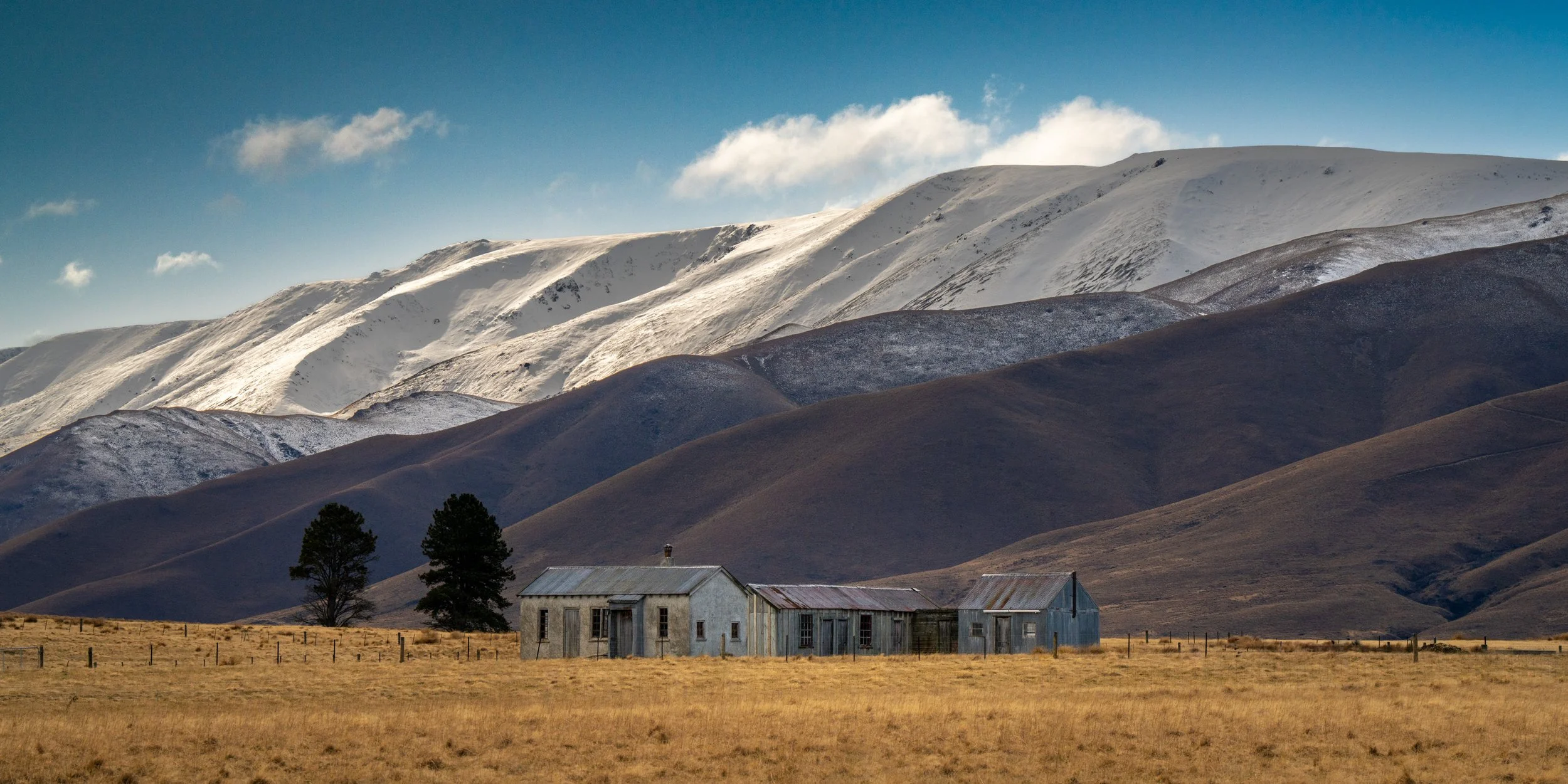
Ready to create cleaner, stronger images?
Learn how to remove distractions, refine difficult edits and use Lightroom and Photoshop with greater confidence.
NZD $49 ($99)
Lifetime access · Self-paced learning · Learn from anywhere
Copyright Meghan Maloney Photography 2026