
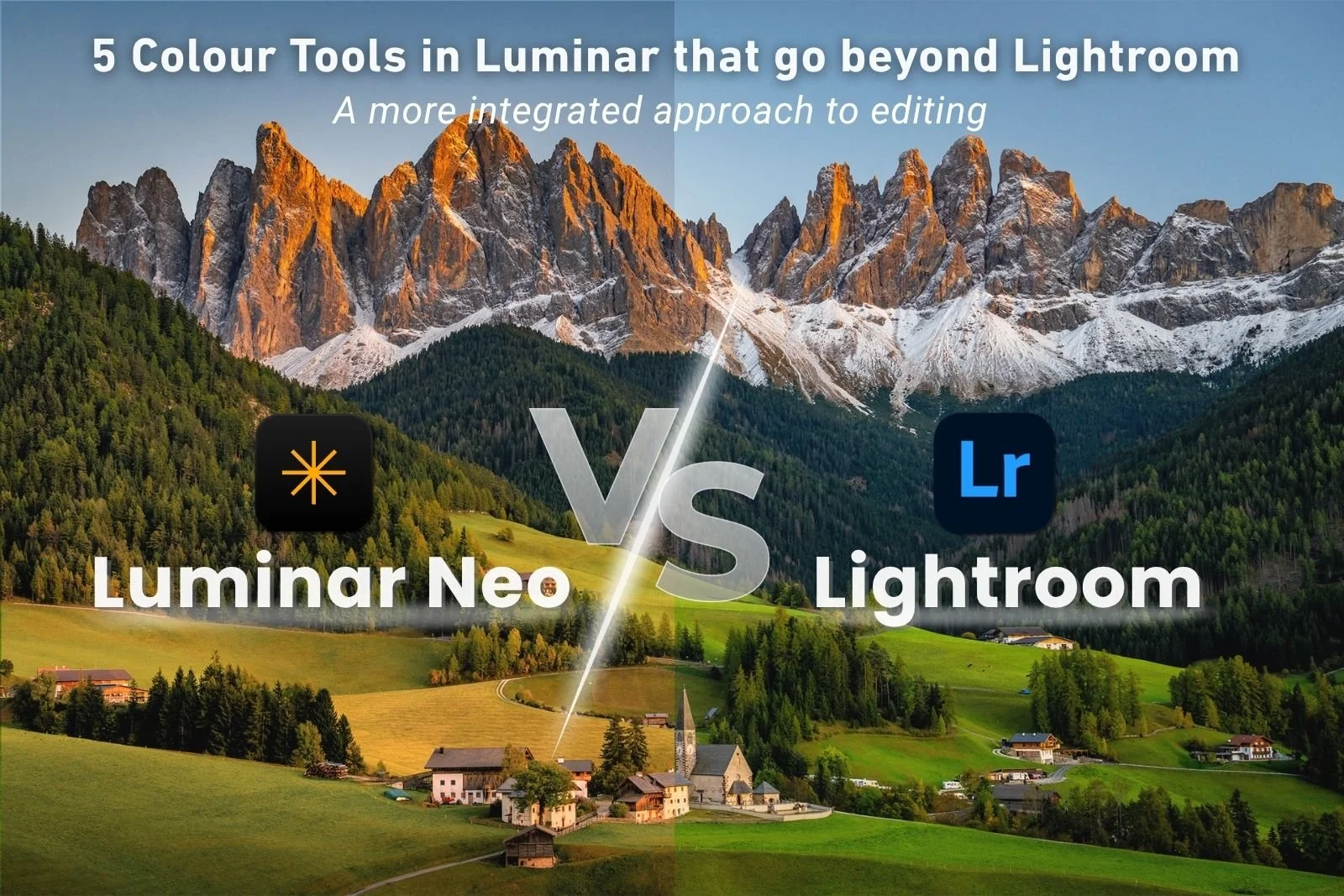
5 Colour Tools in Luminar that go beyond Lightroom
Lightroom can be a great start for colour editing, but I’ve found that Luminar does it even better! In this article, I compare five Luminar colour tools, including Mood, HSL with Masks, Colour Harmony, Matte and SuperContrast, and explain how they compare with Lightroom's equivalents. Whether you're looking to create richer colour, apply selective adjustments or achieve better results with less effort, you'll discover just how these tools can help bring your landscape images to life.
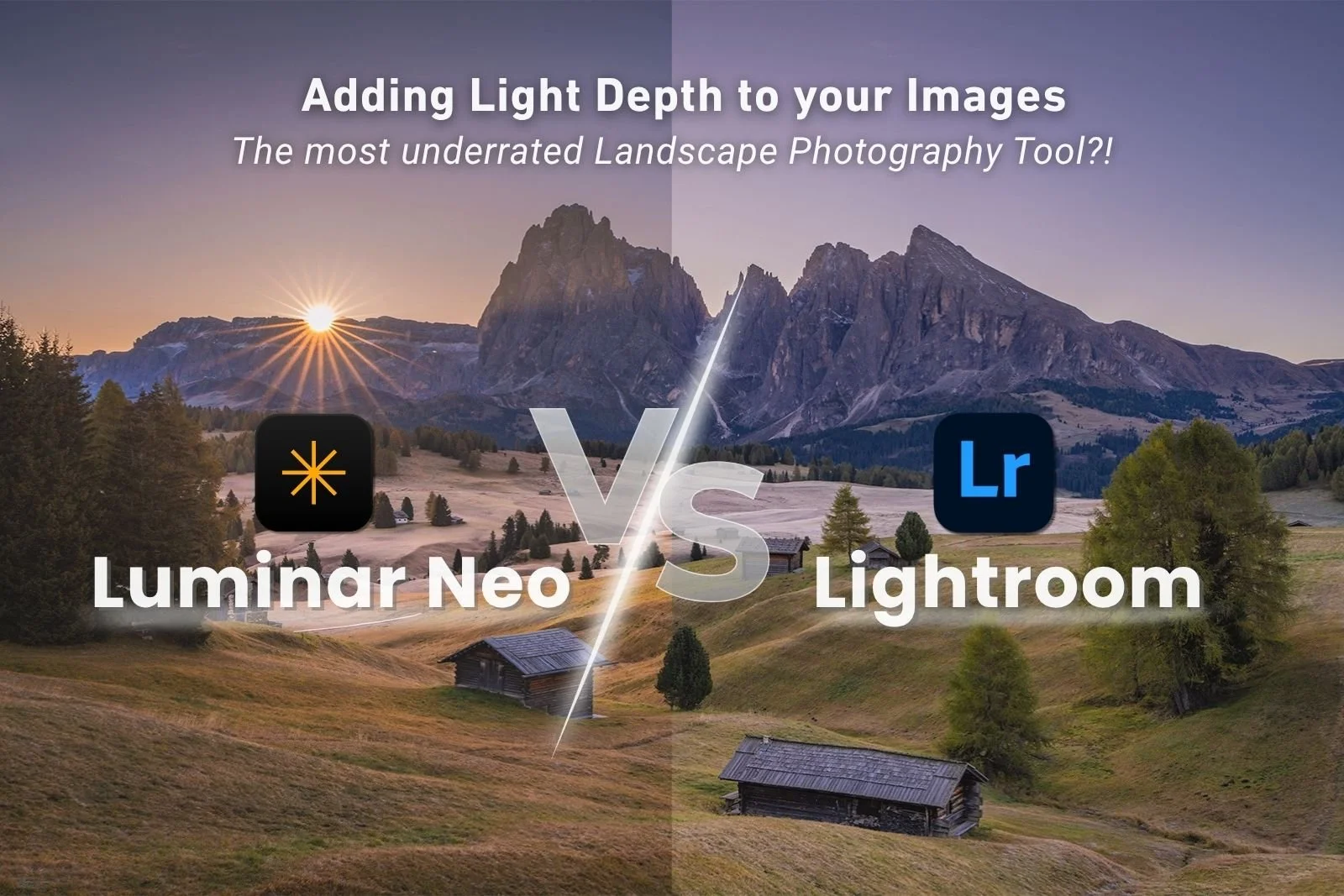
Light Depth in Luminar: The Most Underrated Tool for Landscape Photographers?
Light is the foundation of every great landscape photograph, so why shouldn't your editing enhance it too? In this post, I explore why Light Depth is one of my favourite tools in Luminar, how it intelligently enhances light based on depth within a scene, and why it's unlike anything available in Lightroom. I'll also share my workflow, practical tips with before-and-after examples.
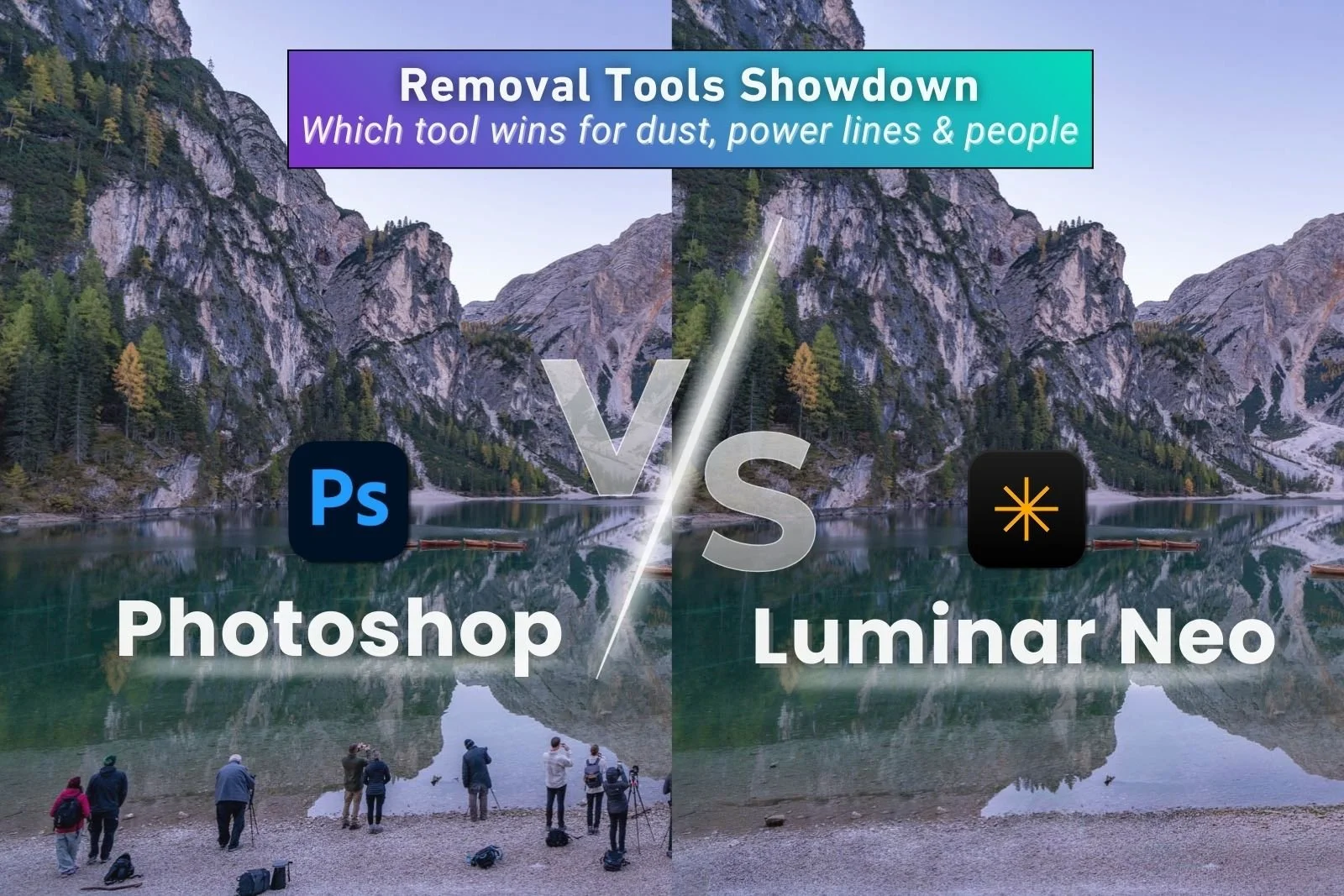
Removal Tools Showdown: Photoshop vs Luminar Neo
Removal tools can save you a huge amount of editing time, but results vary depending on what you’re trying to fix. In this comparison of Photoshop vs Luminar Neo removal tools, I test dust spot cleanup, power line removal, and people removal to show where Luminar Neo’s one-click approach works well and where Photoshop’s deeper multi-tool approach delivers cleaner, more reliable results.
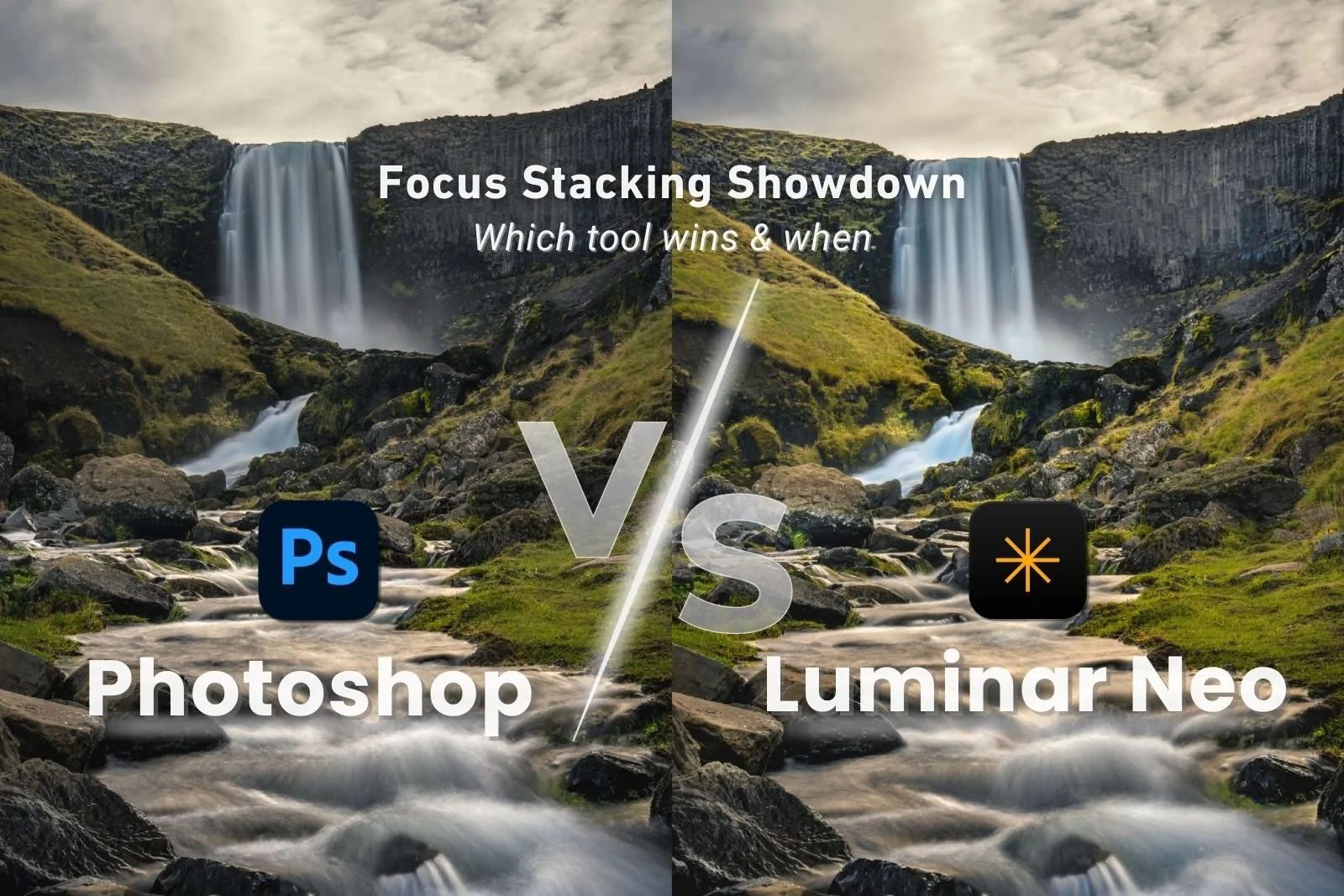
Focus Stacking Showdown: Photoshop vs Luminar Neo
Focus stacking is essential for achieving front-to-back sharpness in landscape images, but the best tool depends on how complex your stack is. In this comparison of Photoshop vs Luminar focus stacking, I break down real-world results, workflow differences, alignment limitations, and mask control to show where Luminar Neo is faster and cleaner, and where Photoshop is the better choice.
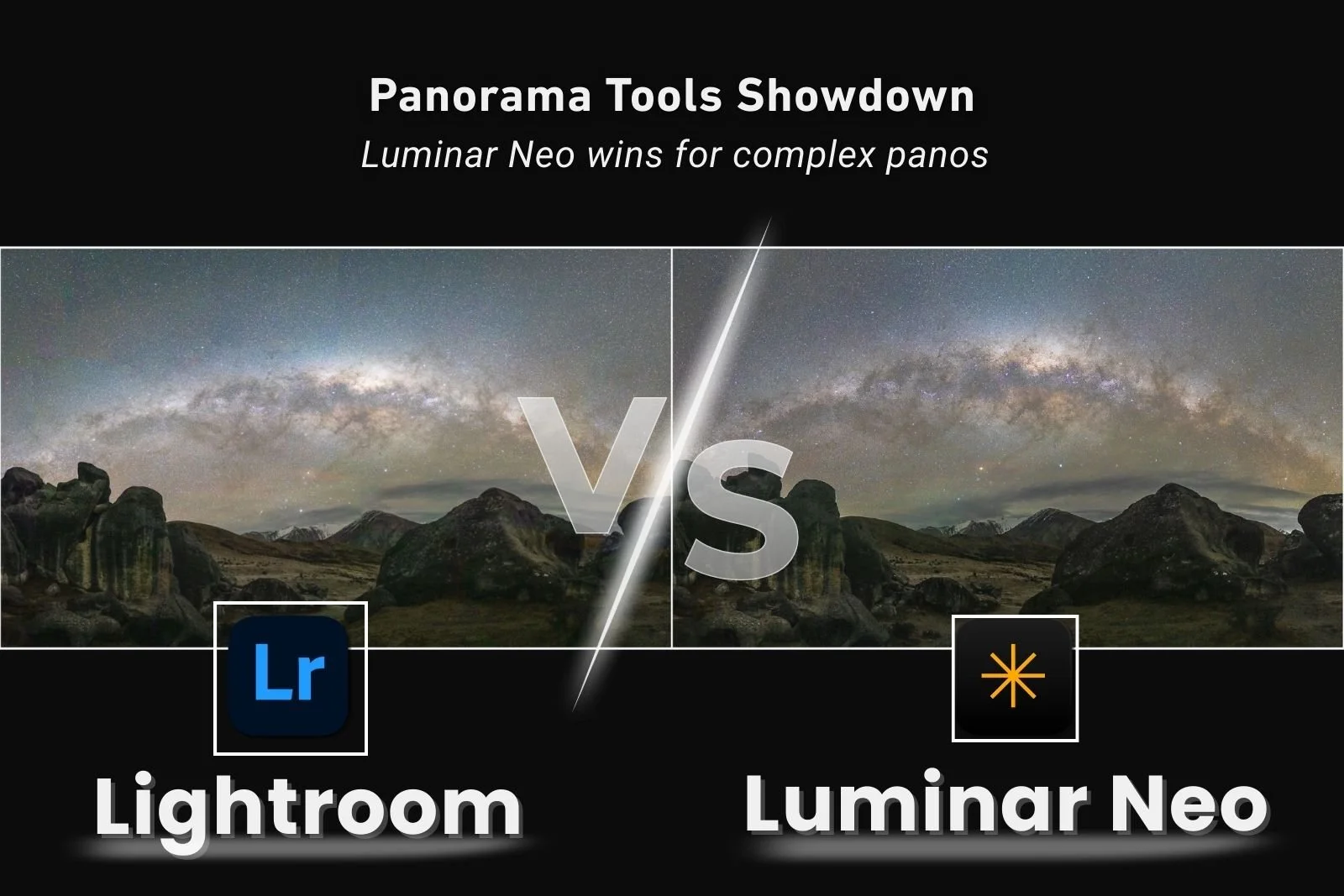
Panorama Showdown: Lightroom vs Luminar Neo
Panorama stitching tools aren’t created equal, especially when you move into multi-row landscapes and Milky Way arch images. In this comparison of Lightroom vs Luminar Neo for panoramas, I’ll show you where Luminar Neo wins for projection options, distortion control, and high-ISO noise handling delivering more flexible, natural-looking results and where Lightroom can still work for simpler pano workflows.
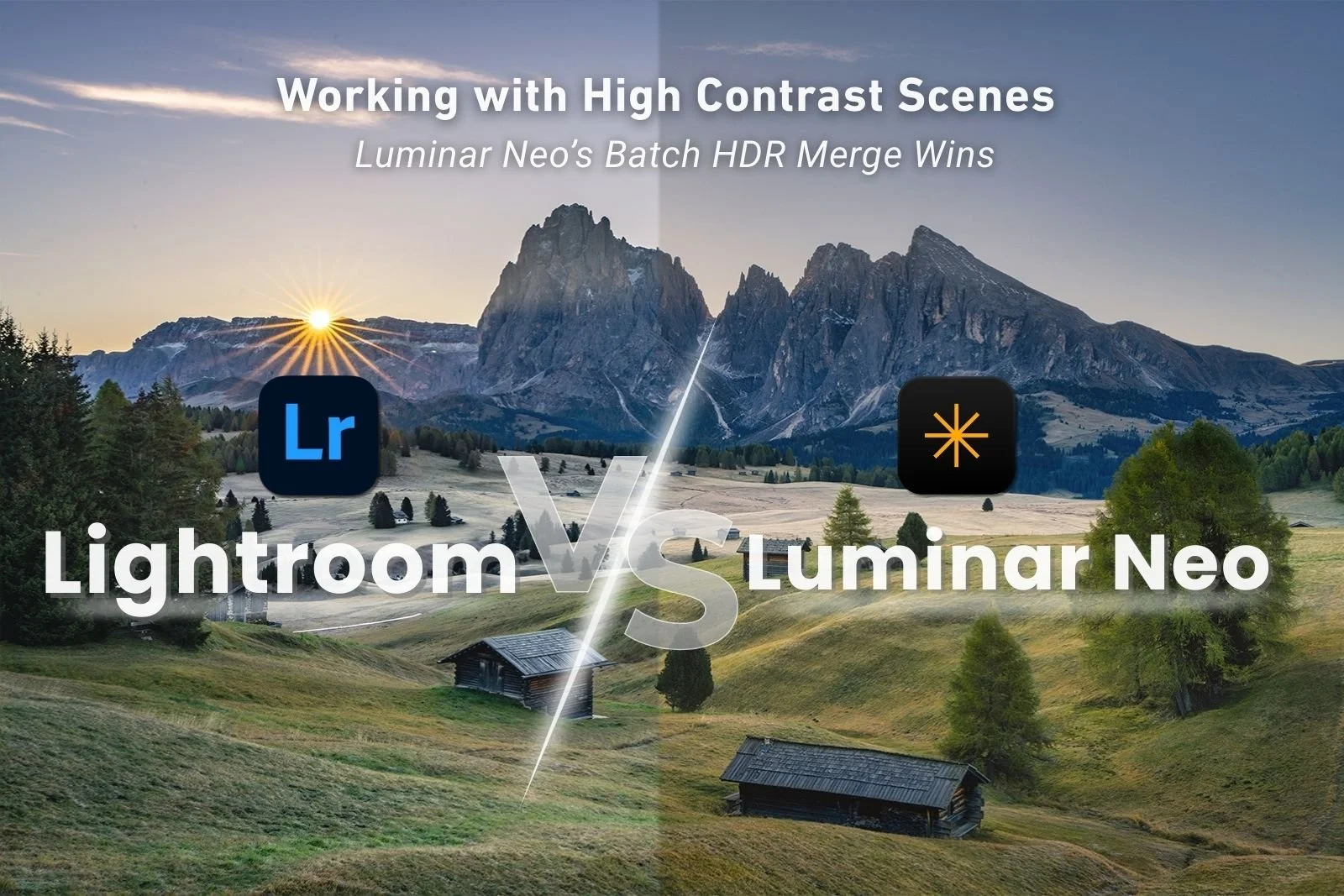
HDR (Exposure Bracketing) Showdown: Lightroom vs Luminar Neo
HDR merge is an essential tool for editing high-contrast scenes, but your workflow will vary dramatically depending on the software you use. In this Lightroom vs Luminar Neo comparison, I walk through real-world exposure bracket tests to show where Luminar Neo’s batch HDR merge delivers major time savings, and where Lightroom still has the edge with HDR panoramas and sometimes highlight control. It’s a practical look at which tool wins in different shooting scenarios.
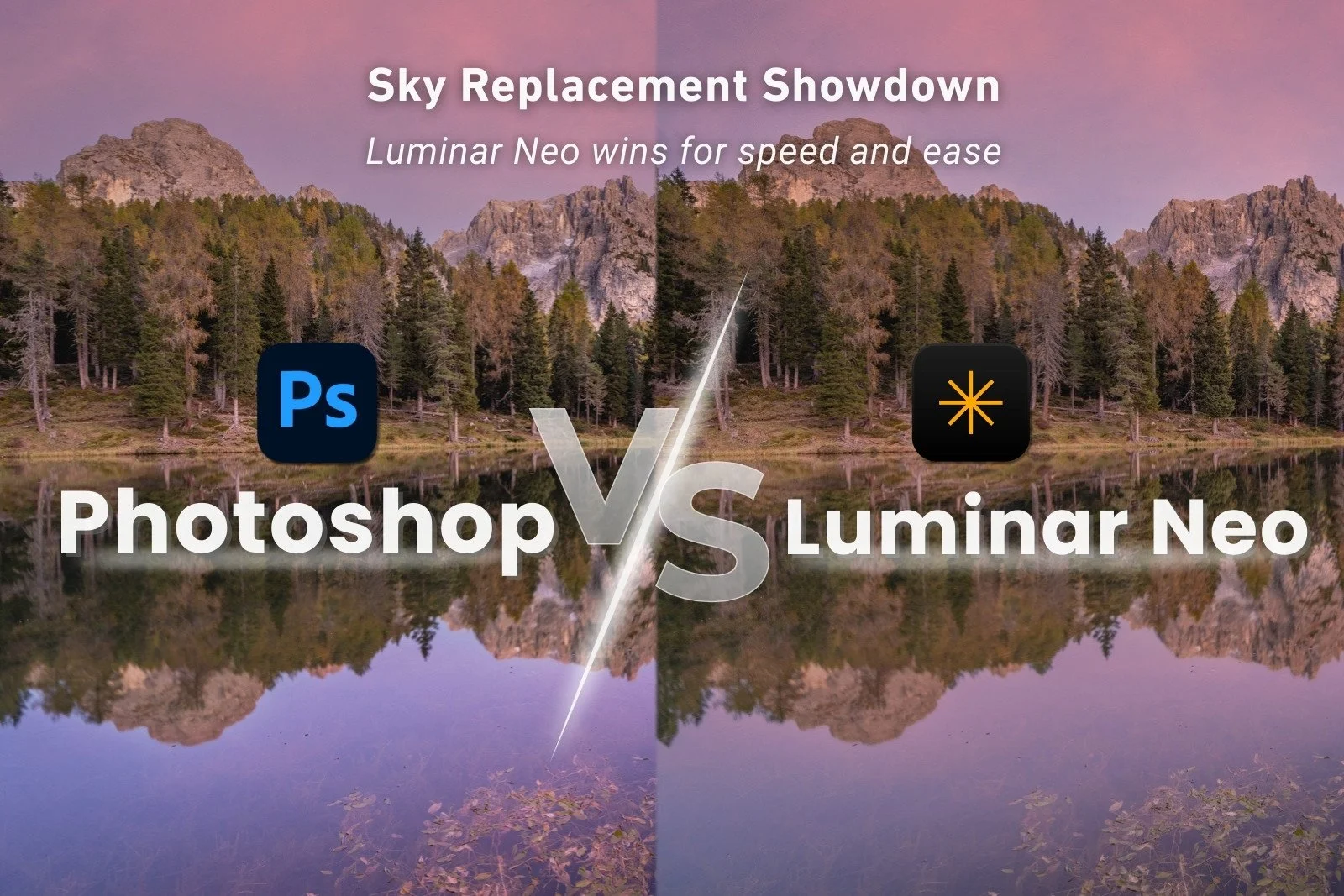
Sky replacement showdown: Photoshop vs Luminar Neo
Sky replacement can dramatically speed up your editing workflow when you’re dealing with difficult skies, reflections, or complex horizons. This post compares how Luminar Neo and Photoshop handle Sky replacement differently, from automatic sky detection and water reflections through to manual masking and layers. You’ll see where each wins depending on whether you need fast, realistic results or more precise control.
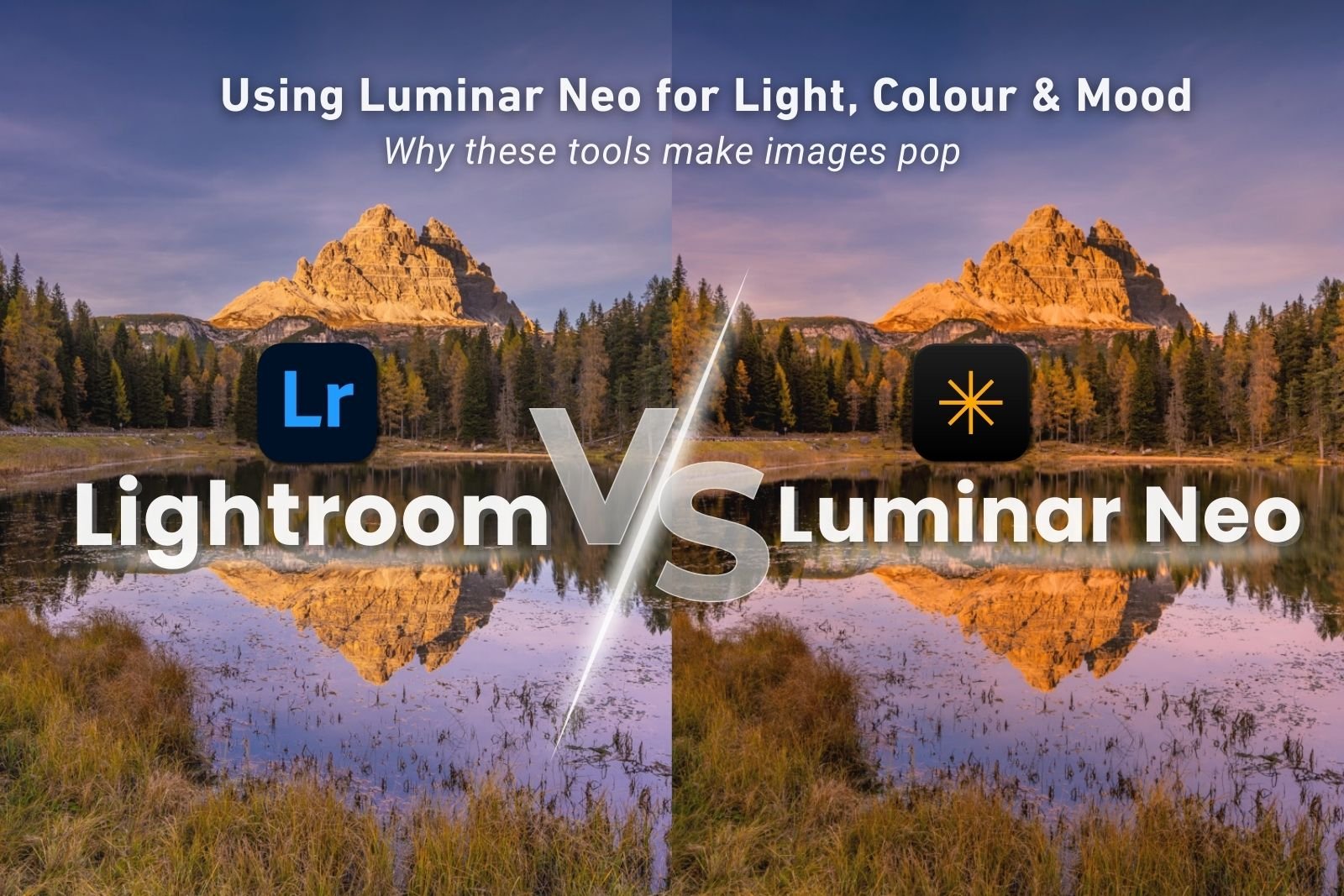
Using Luminar Neo for Light, Colour & Mood (Why These Tools Make Images Pop)
In Part One of my Luminar series, I showed why Luminar Neo has become my go-to finishing tool. In this post, I show how to use Luminar Neo to transform your images. Using real before-and-after examples, I break down the Luminar tools I use to shape light, harmonise colour, and add subtle mood - and show how these tools can make images pop and polish them in ways that just aren’t possible in Lightroom.
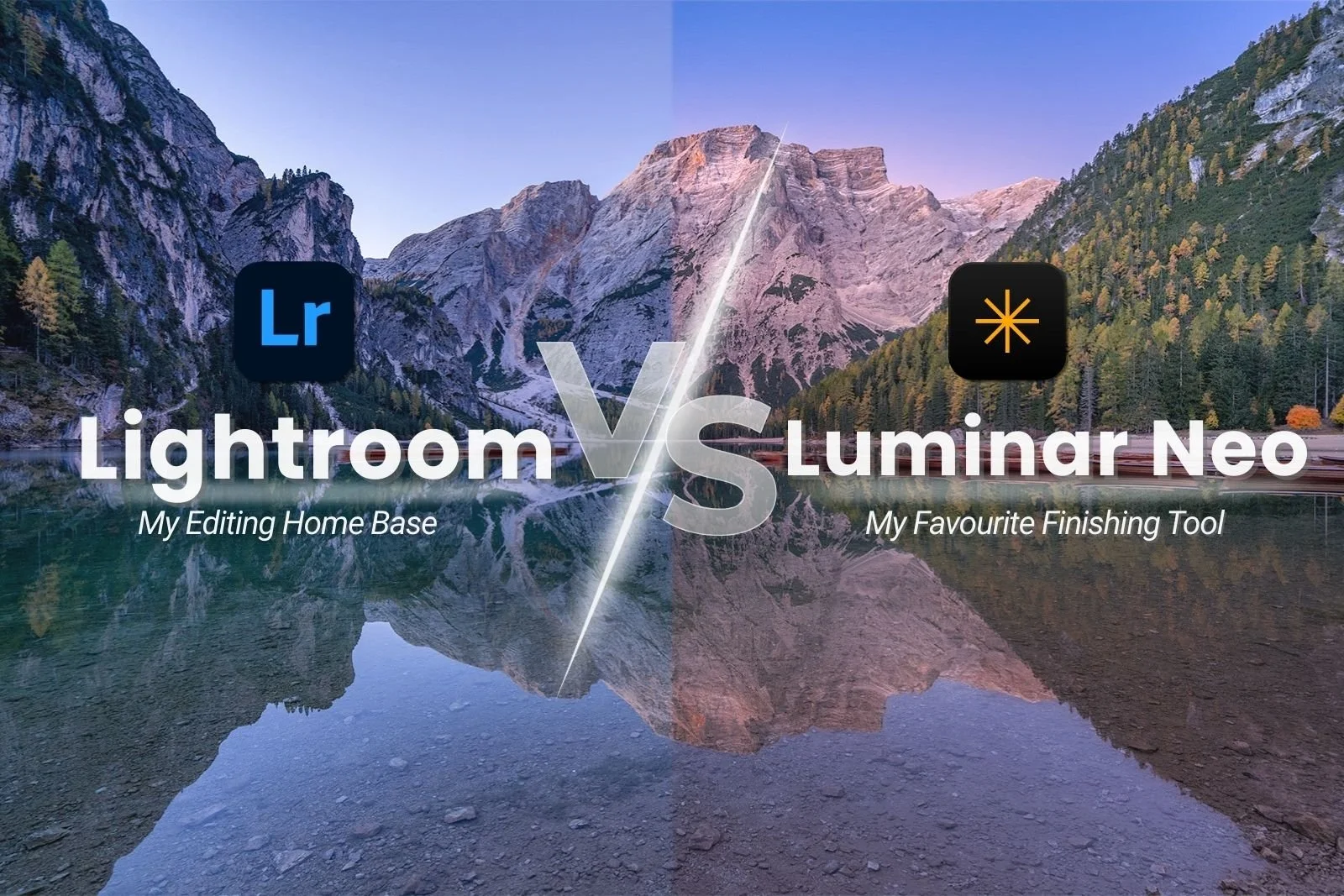
Why I Added Luminar Neo to My Lightroom Workflow (And You Should Too)
Luminar Neo vs Lightroom doesn’t have to be an either-or decision. In Part One of a new series on Luminar Neo, I share real before-and-after examples and explain how Luminar Neo now fits perfectly into my editing workflow to add subtle depth, colour, and mood - creating extra pizazz and oomph I didn’t even realise my images were missing!